macOS
Apple silicon (M1 and later), macOS 12 or newer
Coming soon
Download .dmg
- Open the .dmg and drag DuckLab into Applications.
- This preview is not notarized yet: the first time, right-click DuckLab and choose Open.
SHA-256 checksum
 DuckLabDesktop appby

A free desktop app for the Microduck biped. Walk it across uneven ground, build arenas, train balance policies and connect the real ESP32 robot, all on your own computer.
Free · Runs offline · macOS (Apple silicon) and Windows 10/11
Pre-production render · real MuJoCo physics, rendered in Blender
Inside DuckLab
From a first walk to arming real motors. Each workspace keeps its own colour, so you always know where you are.
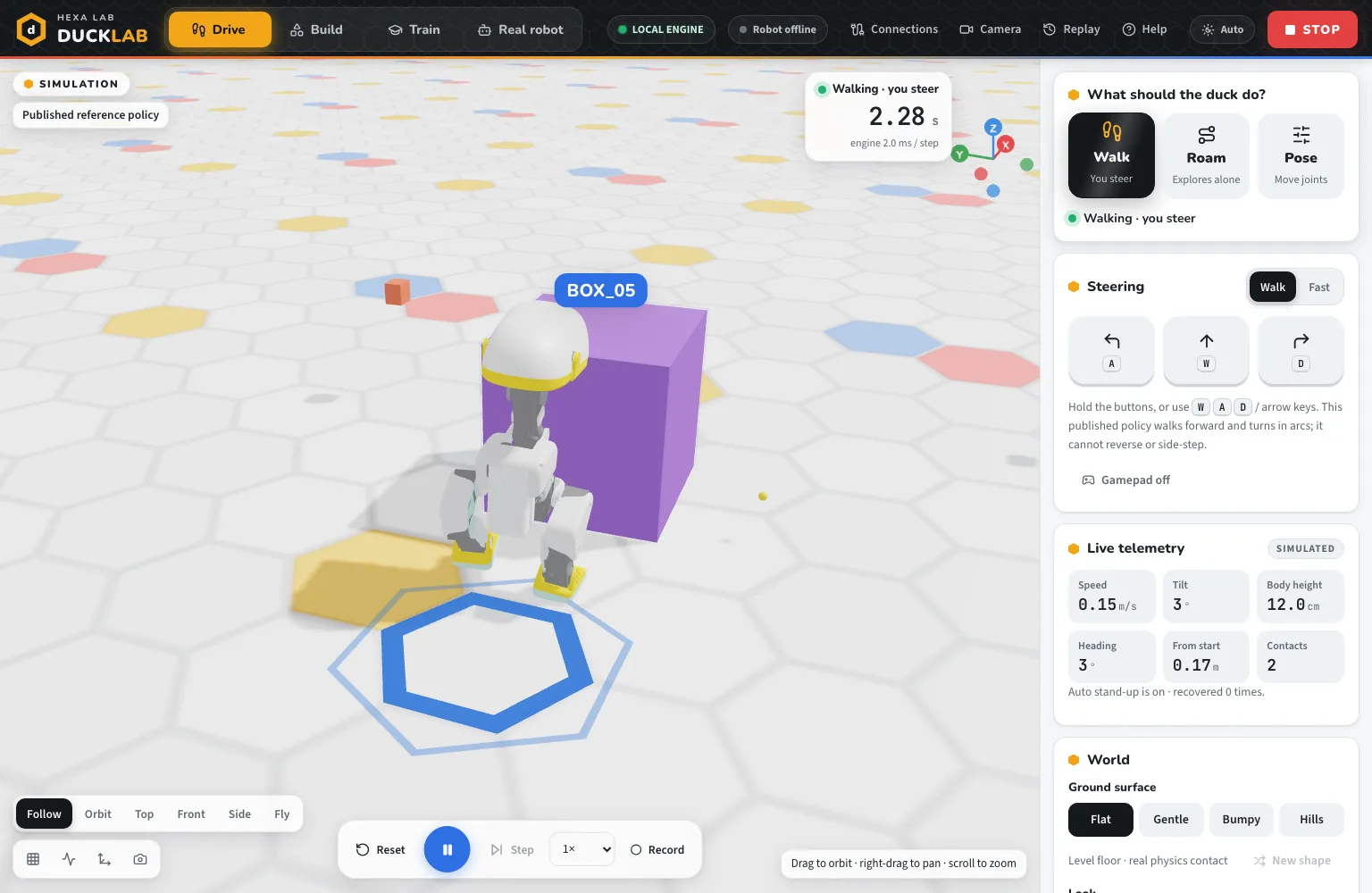
Screen from DuckLab 1.0. Simulation results do not validate a physical robot.
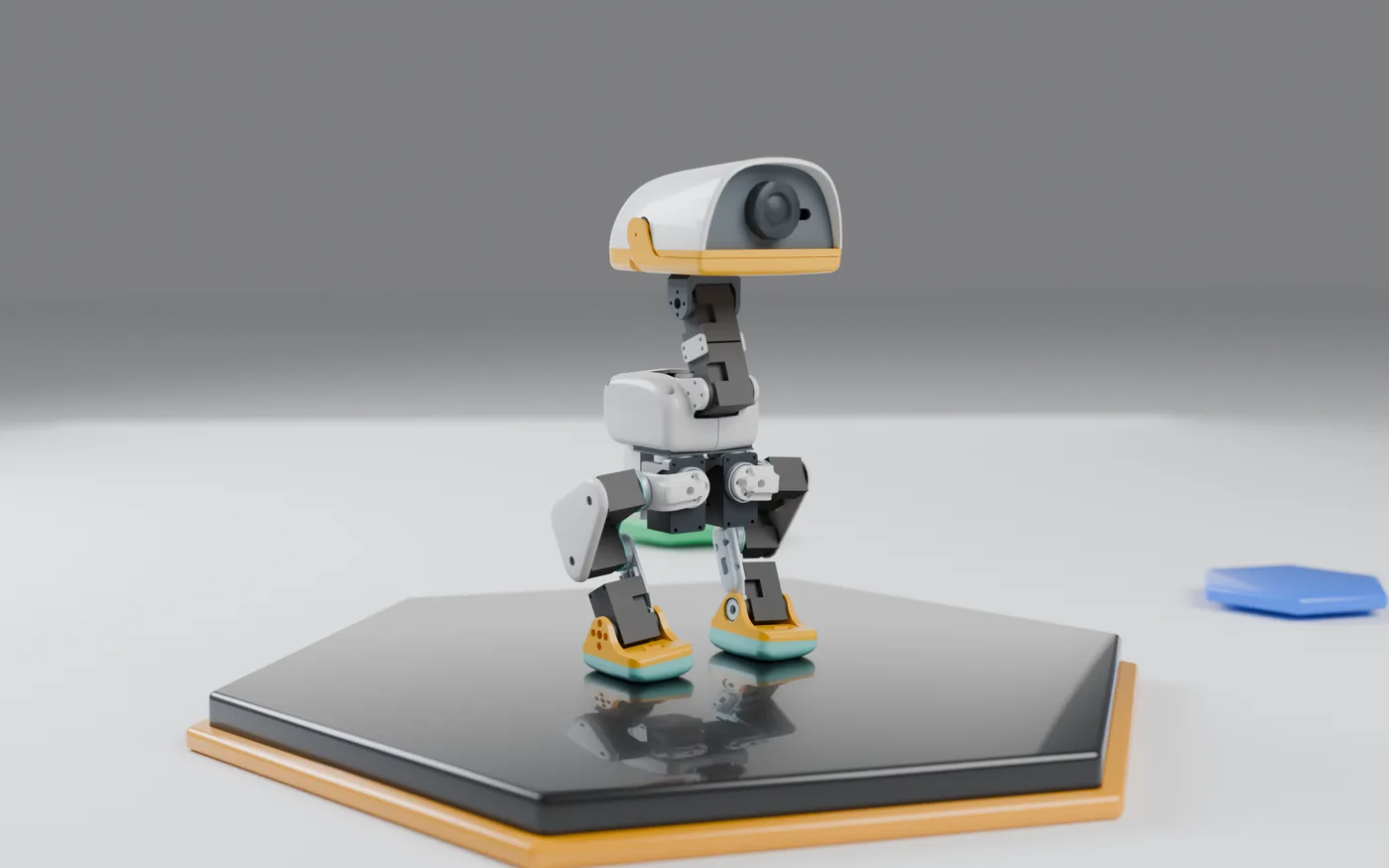
The robot
DuckLab uses the published Microduck model and walking policy, so every joint and contact behaves the way the real robot is designed to.
From simulation to the real robot
DuckLab speaks to the robot's ESP32 over USB or your Wi-Fi. Reconnecting never re-arms the motors, and the simulation never drives real hardware.
ESP32-S3 or WROOM-32, FEETECH or DYNAMIXEL servos.
Pick the board; DuckLab builds and checks it before sending.
Gyro and accelerometer readings, measured data only.
Explicit arming, hold-to-send targets, release to stop.
Download
Free. Everything runs on your computer: no account, no cloud, no telemetry.
Apple silicon (M1 and later), macOS 12 or newer
64-bit Windows 10 and 11
DuckLab uses the published Microduck reference model and walking policy; see the third-party notices included with the app.